
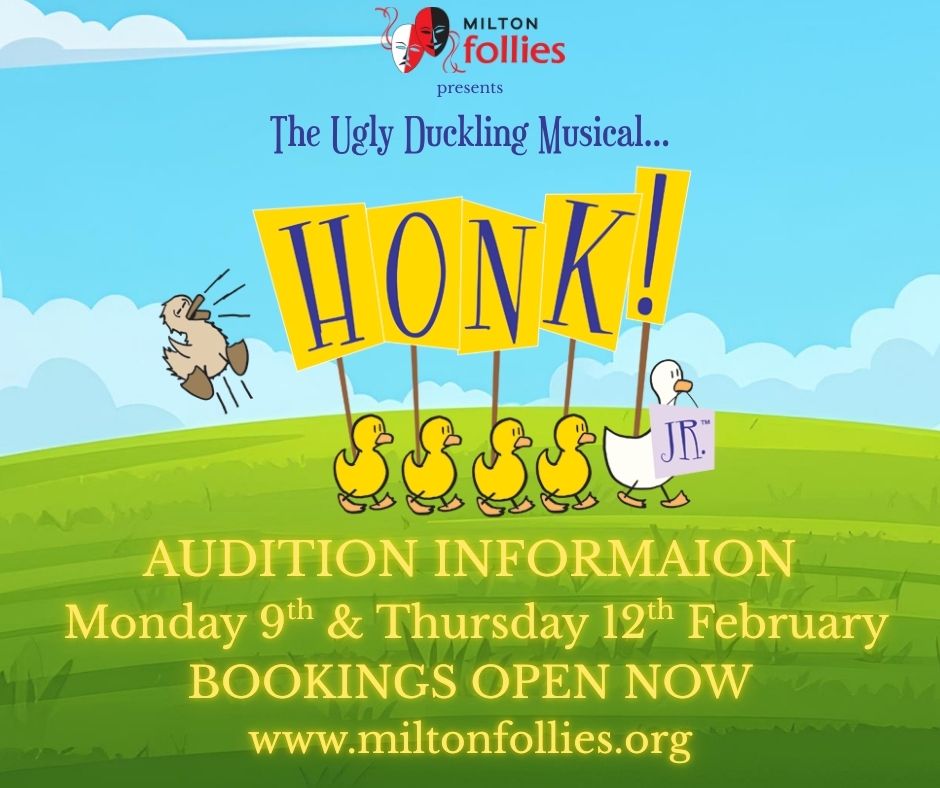
AUDITION INFORMATION
Step 1: Confirm you have made a time to audition
- Please check your name and time HERE
- If you need to book or cancel an audition, please email us at miltonfollies@gmail.com
Step 2: Make sure you have access to the Production Pro website or app
- If you need assistance with this, please email us at miltonfollies@gmail.com
- Tips for using Production Pro are further down on this page.
Step 3: Complete the audition form and attach a recent photo
- The audition form is available HERE
Step 3: Pick a reading
- Pick the reading you like the most — choose the one that makes you excited to perform!
- Be familiar with or learn the words from the workshop handbook. (You may bring the script to read if you like.)
- Practice using the tips you learned at the workshop. Speak slowly, clearly and loudly. Use your face and body to give character to the reading
- The workshop handbook is available HERE
Step 4: Pick a song
- Pick the song you like the most — choose the one that makes you excited to perform!
- Be familiar with or learn the words from the workshop handbook, available HERE. (You may bring the script to read if you like.)
- Practise your performance using the backing track only (no singing voices).
- Good news! You don’t have to learn the whole song — just a small part of it!
Check the information below to see which section of the song you’ll need to learn. - And don’t worry if you’re not a great singer! We’re looking for character and expression, not just singing.
- No matter which song you choose, you’ll be considered for all roles in the show — so just pick the one you enjoy performing the most!
Good luck with your audition!
Audition Songs
| Song | Script Pages | Bar Numbers | Backing Track |
| A Poultry Tale | 4 – 6 | 30 – 55 | 1:20 – 2:30 |
| The Joy of Motherhood | 16 – 19 | 0-50 | 0:00 – 1:36 |
| Different | 49 – 52 | 0-31 | 0:00 – 1:26 |
| Play with Your Food | 57 – 59 | 0-31 | 0:00 – 1:17 |
USING PRODUCTION PRO
Step 1: Open Production Pro
- On the home page, click on Honk! JR. to open the show’s resources.
Step 2: Explore the “Binder” Tab
- Click the Binder tab (top right of the screen).
- Here you’ll find the Script and Piano Music.
- Open the script to read the story and find the lyrics for your song.
Step 3: Explore the “Media Library” Tab
- Click the Media Library tab (also at the top right).
- This page contains scene breakdowns, plus the songs and backing tracks for each audition piece.
 Milton Follies